Appearance
Social media
Add your profile links once here. Lumevia shows them as icons wherever social media appears: the footer, the mobile menu, the announcement bar, the contact page and the password page.
Open it from Theme settings (the gear icon at the top left of the editor) → Social media.
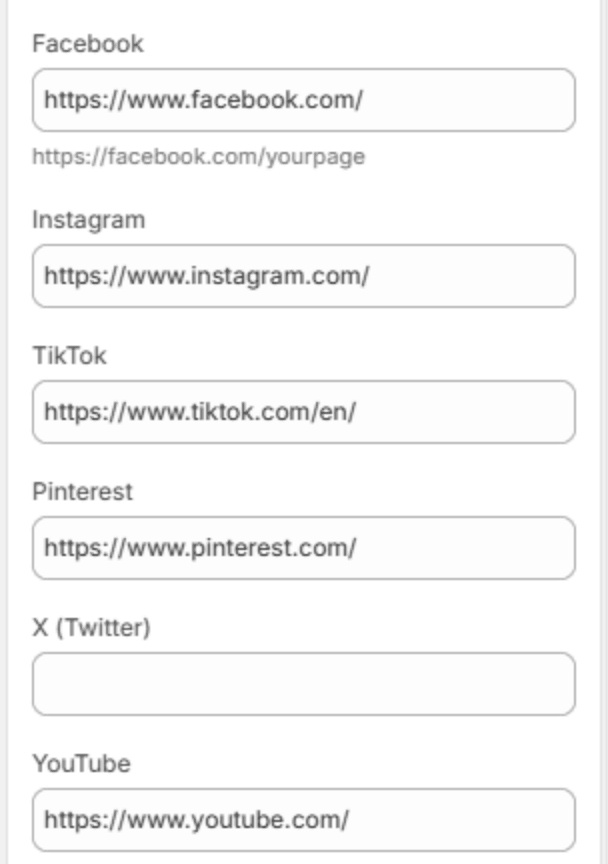
| Setting | Description |
|---|---|
Your Facebook page, for example https://facebook.com/yourstore. | |
| Your Instagram profile. | |
| TikTok | Your TikTok profile. |
| Your Pinterest profile. | |
| X (Twitter) | Your X profile. |
| YouTube | Your YouTube channel. |
Paste the full address, starting with https://. An icon shows only when its link is filled in, so leave a field empty to hide that network.