Appearance
FAQ
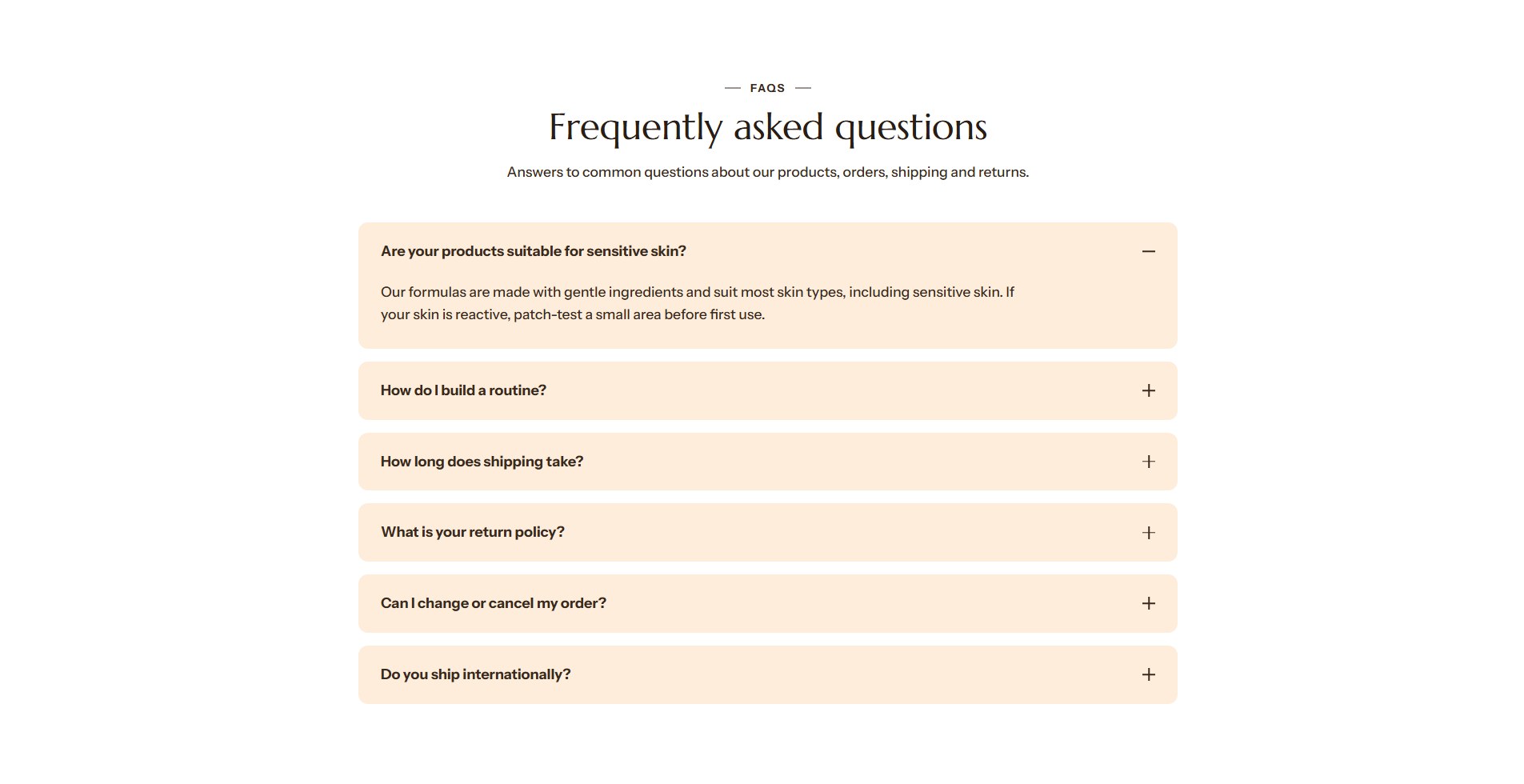
The FAQ section lists questions that open to show their answers. Use it on an FAQ page for your store's policies, or on the product page for questions about the product. Answers can come from a page you have written, or from a product metafield, so one product template can answer differently for every product.
Find it in the editor
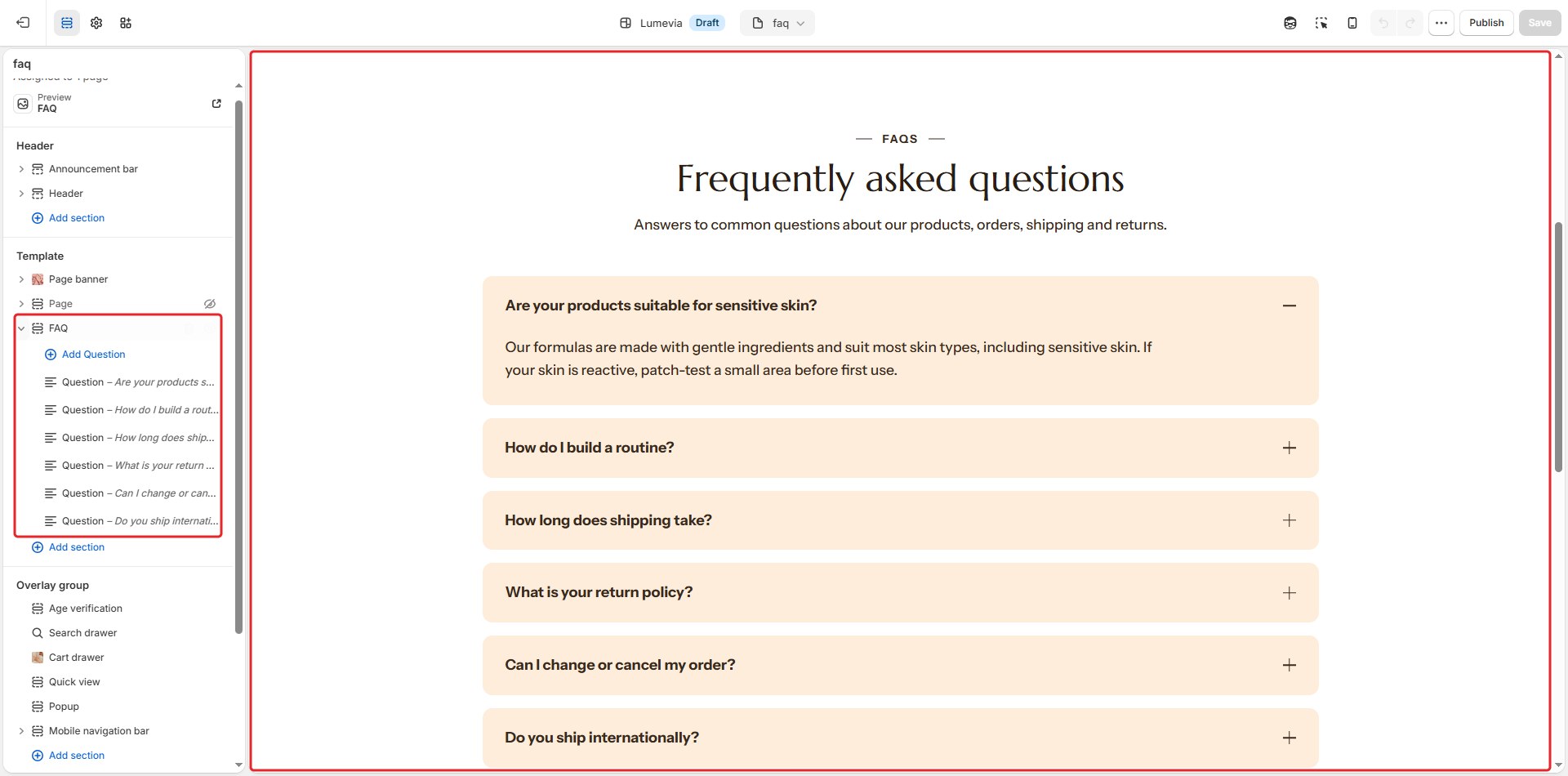
In the demo it is on the FAQ page and the product page. To add it to any page, click Add section and choose FAQ. Each question is a Question block inside it.
Section settings
General
| Setting | Description |
|---|---|
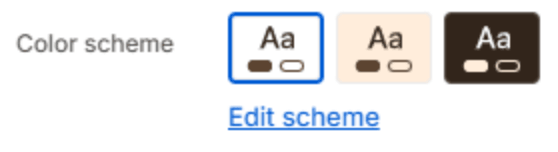
| Color scheme | The colors of this section. Schemes are edited in Theme settings → Colors. |
Layout
| Setting | Description |
|---|---|
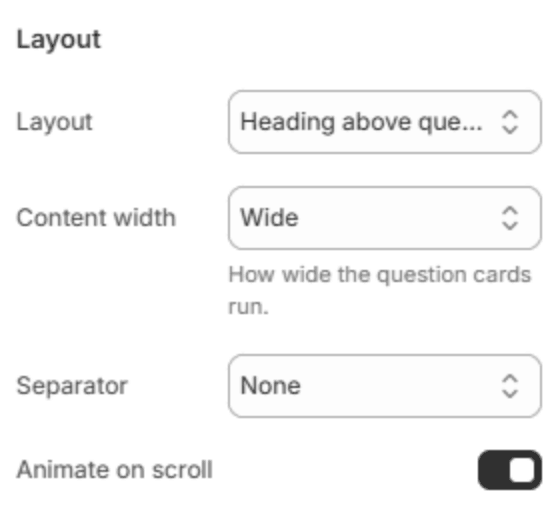
| Layout | Heading beside questions, in a column of its own, or Heading above questions. |
| Heading column | Puts the heading's column on the Left or Right. Large screens only. Shown when the heading is beside the questions. |
| Heading column width | Narrow, Medium or Wide. Shown when the heading is beside the questions. |
| Keep the heading in view | The heading stays in view while the customer scrolls through the questions. Large screens only. Shown when the heading is beside the questions. |
| Content width | How wide the questions run: Narrow, Medium, Wide or Full width. Shown when the heading is above the questions. |
| Separator | A line at the section's Top, Bottom, Top and bottom, or None. |
| Animate on scroll | The questions rise into place as the section scrolls into view. |
Section header
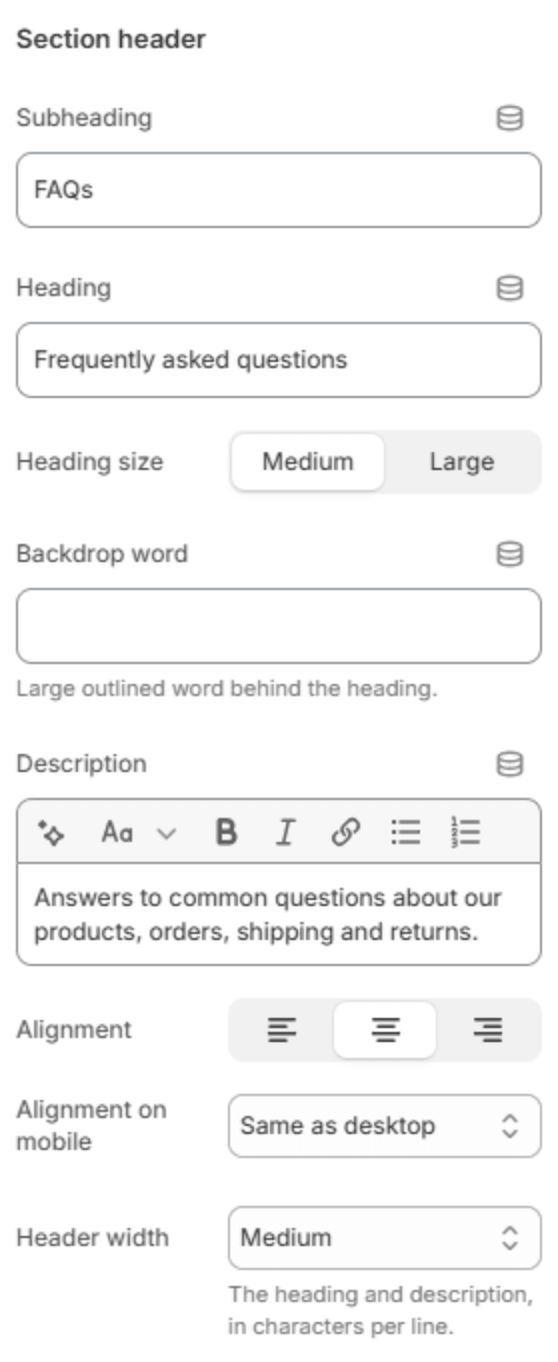
| Setting | Description |
|---|---|
| Subheading | A short line above the heading, with a small dash beside it. |
| Heading | The heading. Leave it empty to hide it. |
| Heading size | Medium or Large. Shown when the heading has text. |
| Backdrop word | A large outlined word behind the heading. One short word works best; it sizes itself to fit. |
| Description | A short text under the heading. |
| Alignment | Aligns the header to the left, center or right. |
| Alignment on mobile | The alignment below 768px. Same as desktop keeps the alignment above. |
| Header width | How wide the heading and description may run: Narrow, Medium, Wide or Full width. |
Questions

| Setting | Description |
|---|---|
| Style | Cards sets each question on its own card; Ruled list separates them with thin lines. |
| Answer text size | Small, Medium or Large. |
| Open the first question | Opens the first question when the page loads. |
| Allow several open at once | Lets customers keep several answers open. Off, opening a question closes the last one. |
| Add FAQ structured data | Tells search engines these are questions and answers, which can show them in search results. Turn it on for one FAQ only, such as the one on your FAQ page. |
Button

| Setting | Description |
|---|---|
| Button label | A button under the questions, for example to your full FAQ page or the contact page. Leave it empty to hide it. |
| Button link | The page it opens. Shown when it has a label. |
| Button style | Solid or Outlined. Shown when it has a label. |
| Alignment | Aligns the button to the left, center or right. Shown when it has a label. |
| Alignment on mobile | The alignment below 768px. Same as desktop keeps the alignment above. Shown when it has a label. |
Section spacing

| Setting | Description |
|---|---|
| Use custom spacing | Gives this section its own top and bottom spacing. Off, it uses Section spacing from Theme settings → Layout. |
| Top spacing | Space above the section (0–200px). Phones get 60% of it and tablets 80%. Shown when Use custom spacing is on. |
| Bottom spacing | Space below the section (0–200px). Phones get 60% of it and tablets 80%. Shown when Use custom spacing is on. |
Blocks
Question
One question and its answer. Add questions with Add Question under the section in the sidebar.

| Setting | Description |
|---|---|
| Question | The question. A question with no answer is left out. |
| Icon | An icon before the question, or None. |
| Answer | The answer, with bold, italics, lists and links. |
| Answer from a page | Uses one of your pages as the answer, instead of the text above. |
Note
Product-specific answers. On the product page, click the database icon beside Question or Answer and connect a product metafield. Each product then shows its own questions, and a question whose answer is empty on a product is left out there.