Appearance
Collection list
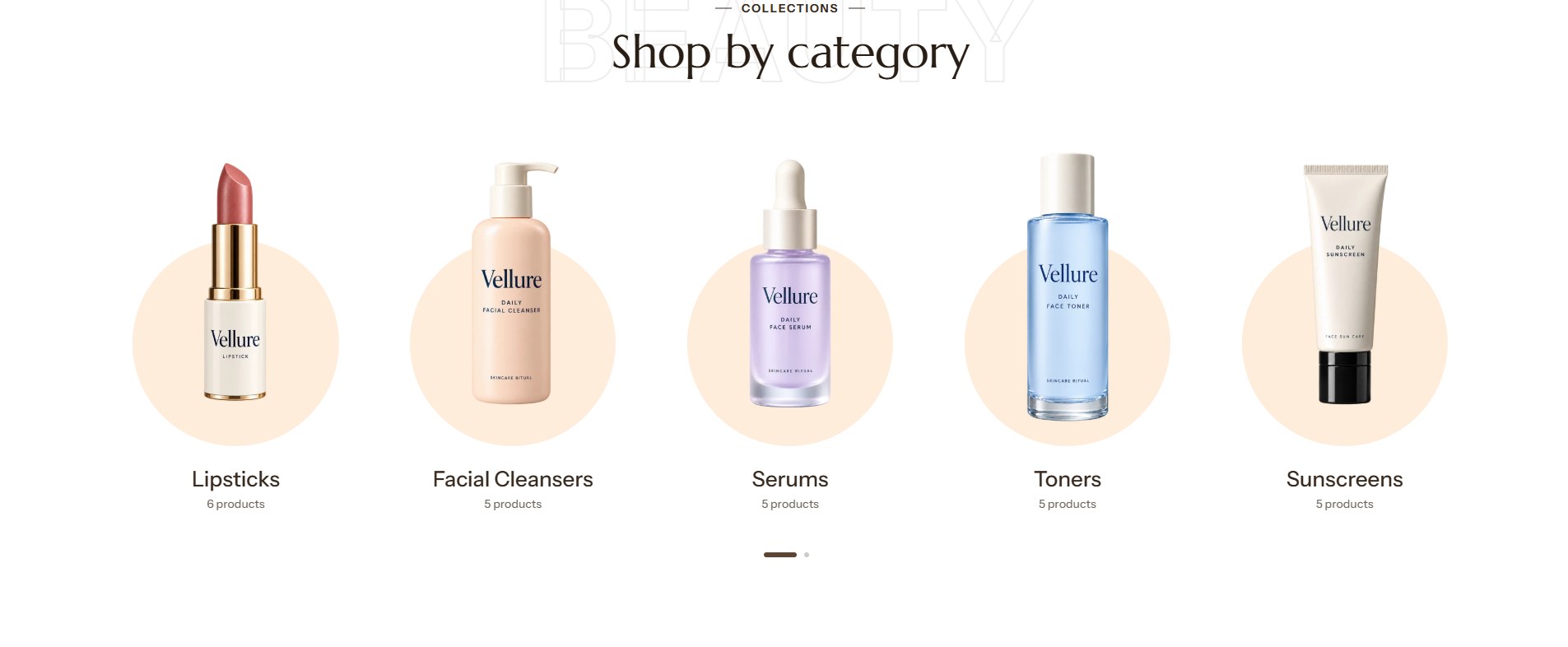
The collection list shows your collections as cards, each with a picture and the collection's name, so customers can shop by category. Each card can show a product standing on a colored circle, or a photo filling a circle, a rounded square or a portrait.
Find it in the editor
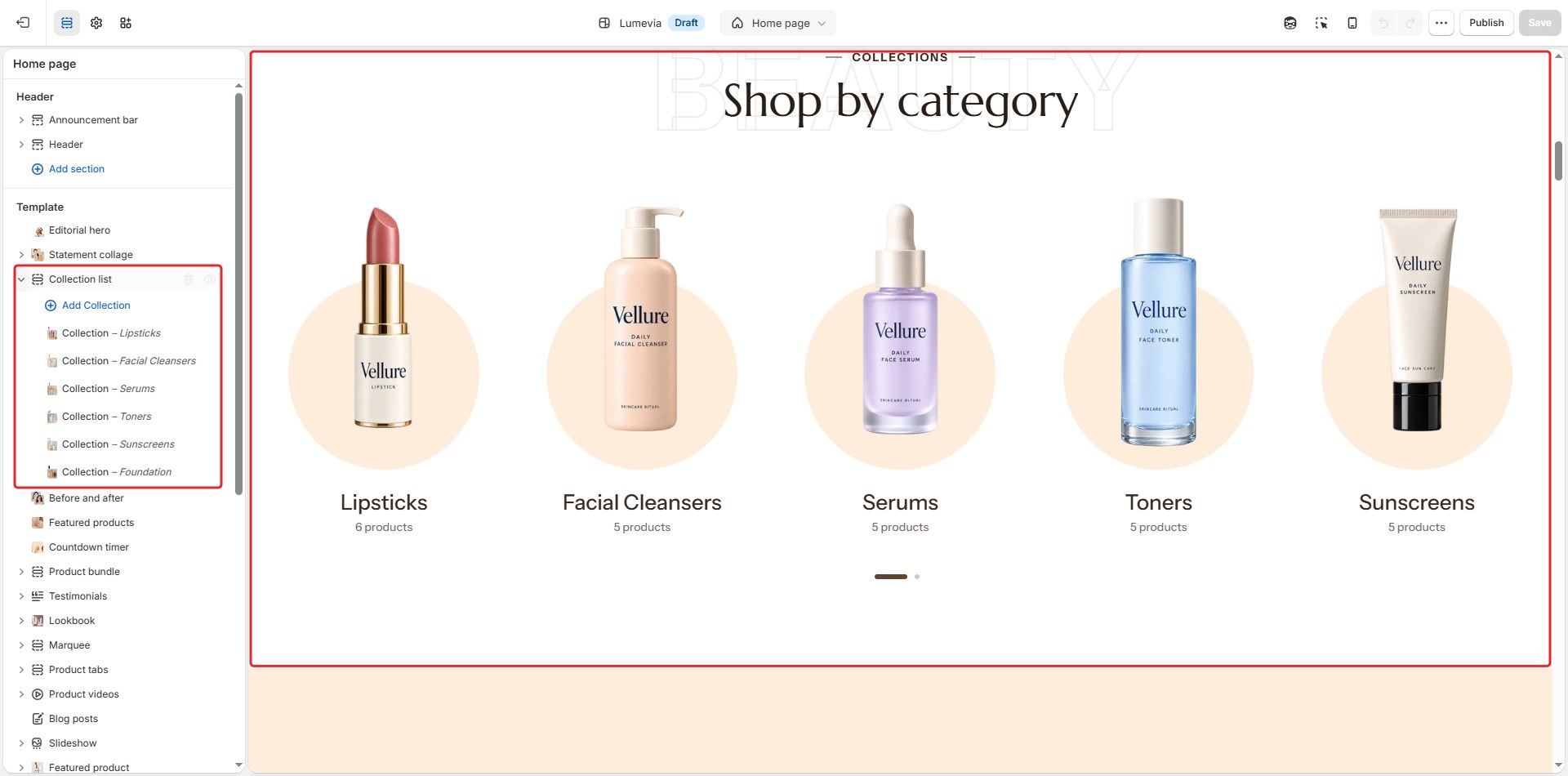
On the home page, it is in the Template list. To add it to any page, click Add section and choose Collection list. Each card is a Collection block inside it.
Section settings
General
| Setting | Description |
|---|---|
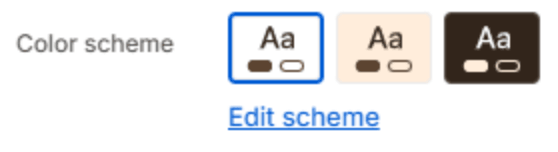
| Color scheme | The colors of this section. Schemes are edited in Theme settings → Colors. |
Card

| Setting | Description |
|---|---|
| Image style | Product on a circle stands a product picture on a colored circle, and suits cut-outs on a transparent background. Photo fills the shape suits ordinary photographs. |
| Image shape | Circle, Rounded square or Portrait. Shown when Image style is Photo fills the shape. |
| Show the circle | Draws the colored circle behind each product. Shown when Image style is Product on a circle. |
| Circle hover | What happens when the pointer is on a card: the circle Rise and fills with color, Rise only, or None. Shown when the circle is on. |
| Product size | How large the product stands on its circle: Small, Medium or Large. Shown when Image style is Product on a circle. |
Section header
| Setting | Description |
|---|---|
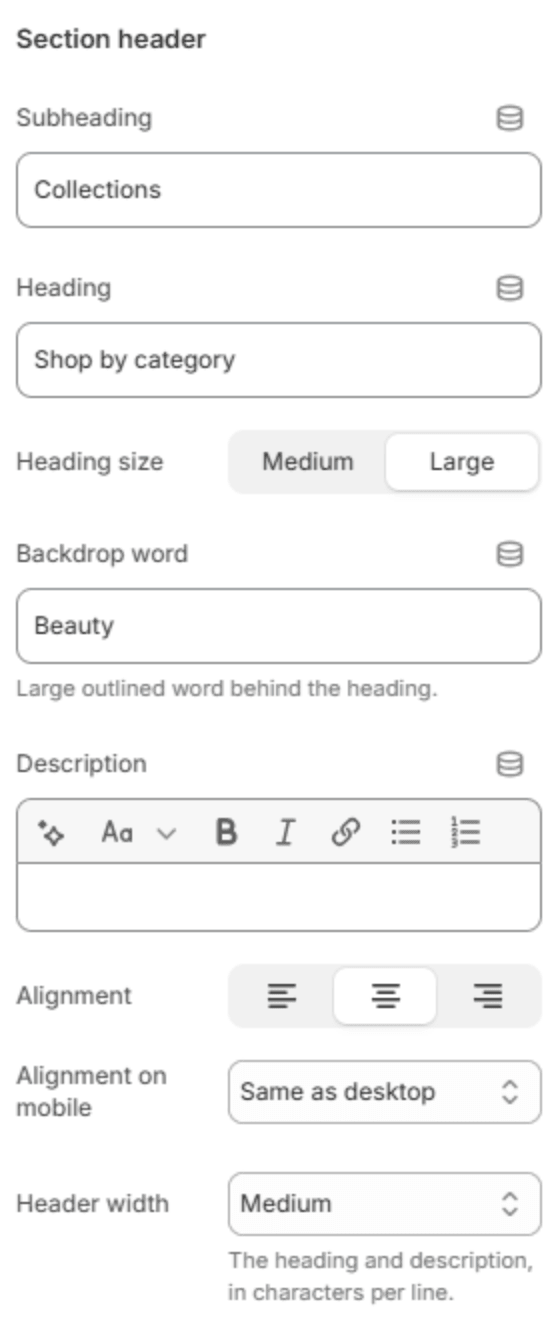
| Subheading | A short line above the heading, with a small dash beside it. |
| Heading | The heading. Leave it empty to hide it. |
| Heading size | Medium or Large. Shown when the heading has text. |
| Backdrop word | A large outlined word behind the heading. One short word works best; it sizes itself to fit. |
| Description | A short text under the heading. |
| Alignment | Aligns the header to the left, center or right. |
| Alignment on mobile | The alignment below 768px. Same as desktop keeps the alignment above. |
| Header width | How wide the heading and description may run: Narrow, Medium, Wide or Full width. |
Content

| Setting | Description |
|---|---|
| Show product count | Shows how many products each collection holds, under its name. |
Layout
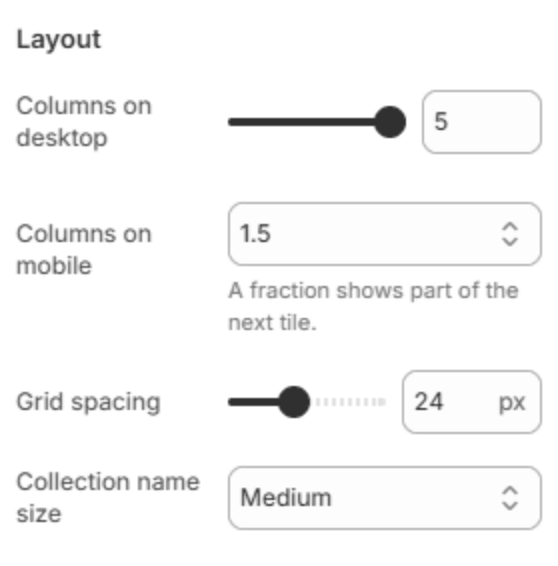
| Setting | Description |
|---|---|
| Columns on desktop | How many cards fit in a row on a large screen (2–5). More cards scroll in a carousel. |
| Columns on mobile | How many cards fit across a phone: 1 (with a peek), 1.5 or 2 (with a peek). A fraction shows part of the next card, so customers can see the row scrolls. |
| Grid spacing | The space between cards (8–48px). |
| Collection name size | Small, Medium or Large. |
Carousel
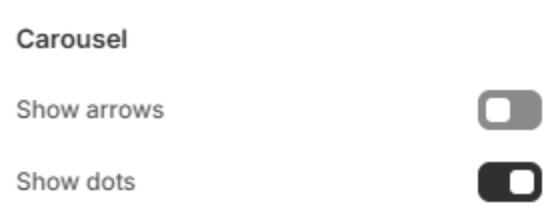
| Setting | Description |
|---|---|
| Show arrows | Shows the previous and next arrows. |
| Show dots | Shows a row of dots under the carousel, one for each position. |
Section spacing

| Setting | Description |
|---|---|
| Use custom spacing | Gives this section its own top and bottom spacing. Off, it uses Section spacing from Theme settings → Layout. |
| Top spacing | Space above the section (0–200px). Phones get 60% of it and tablets 80%. Shown when Use custom spacing is on. |
| Bottom spacing | Space below the section (0–200px). Phones get 60% of it and tablets 80%. Shown when Use custom spacing is on. |
Blocks
Collection
One card. Add cards with Add Collection under the section in the sidebar, and drag them to change their order.
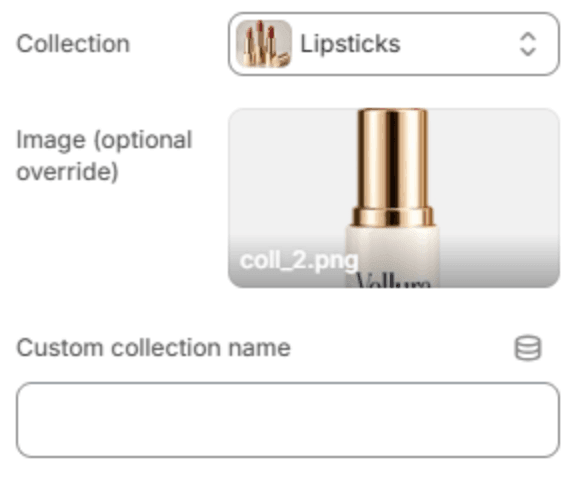
| Setting | Description |
|---|---|
| Collection | The collection the card opens. |
| Image (optional override) | A picture for the card. Leave it empty to use the collection's own image. For Product on a circle, use a product on a transparent background. |
| Custom collection name | A shorter name for the card. Leave it empty to use the collection's title. |