Appearance
Cart drawer
The cart drawer slides in from the side when a customer adds a product or clicks the cart icon, so they can check their cart and go to checkout without leaving the page. It shows the items, recommendations to add, the free shipping bar, gift wrap, the cart tools and the checkout button.
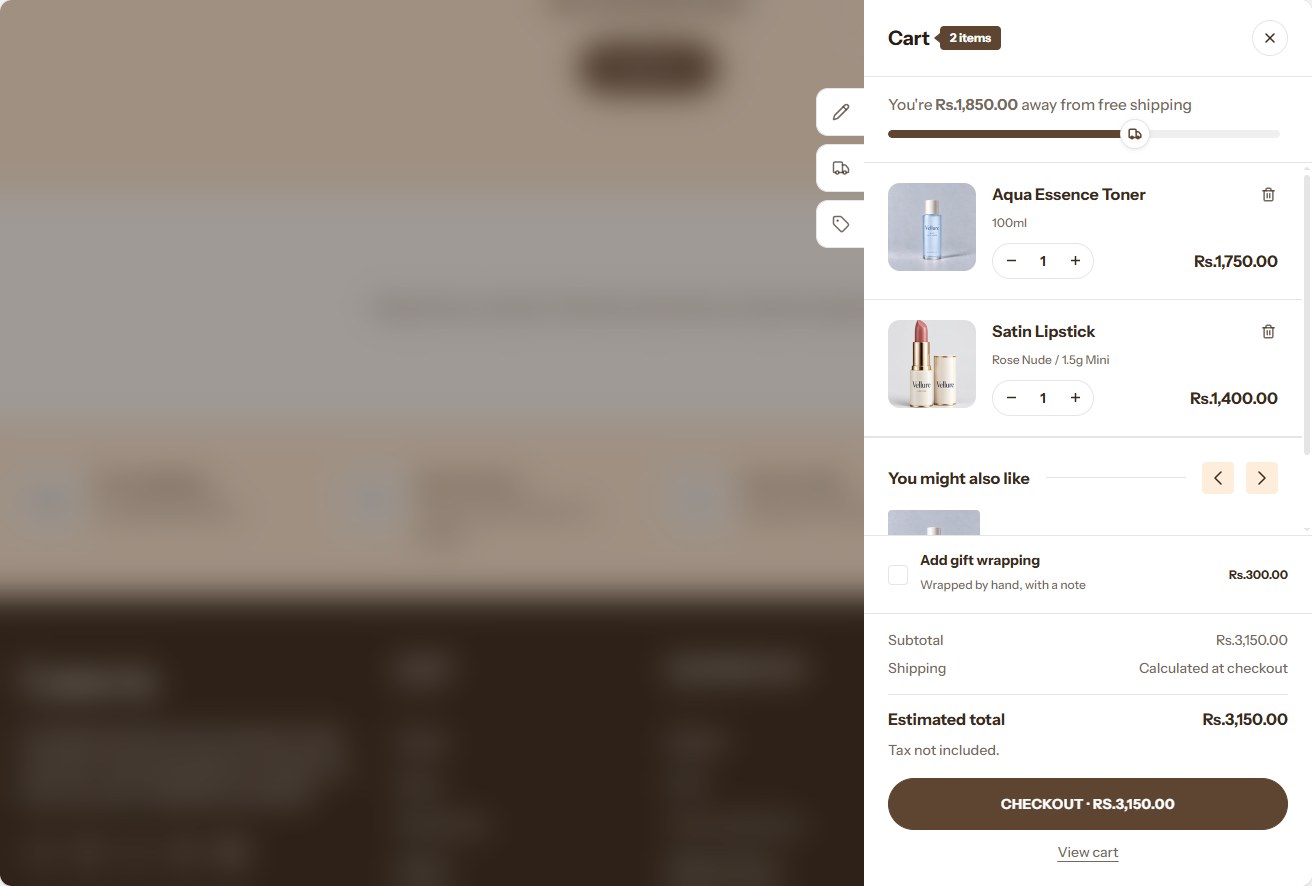
The drawer is used when Theme settings → Cart → Cart type is Drawer. The free shipping bar, gift wrap and the cart tools (the order note, the shipping estimator and discount codes) are set in Theme settings → Cart, so the drawer and the cart page always offer the same.
When a customer adds gift wrapping, the gift message opens in a panel, the same way the cart tools open. The Gift message link under the gift wrap opens it again.
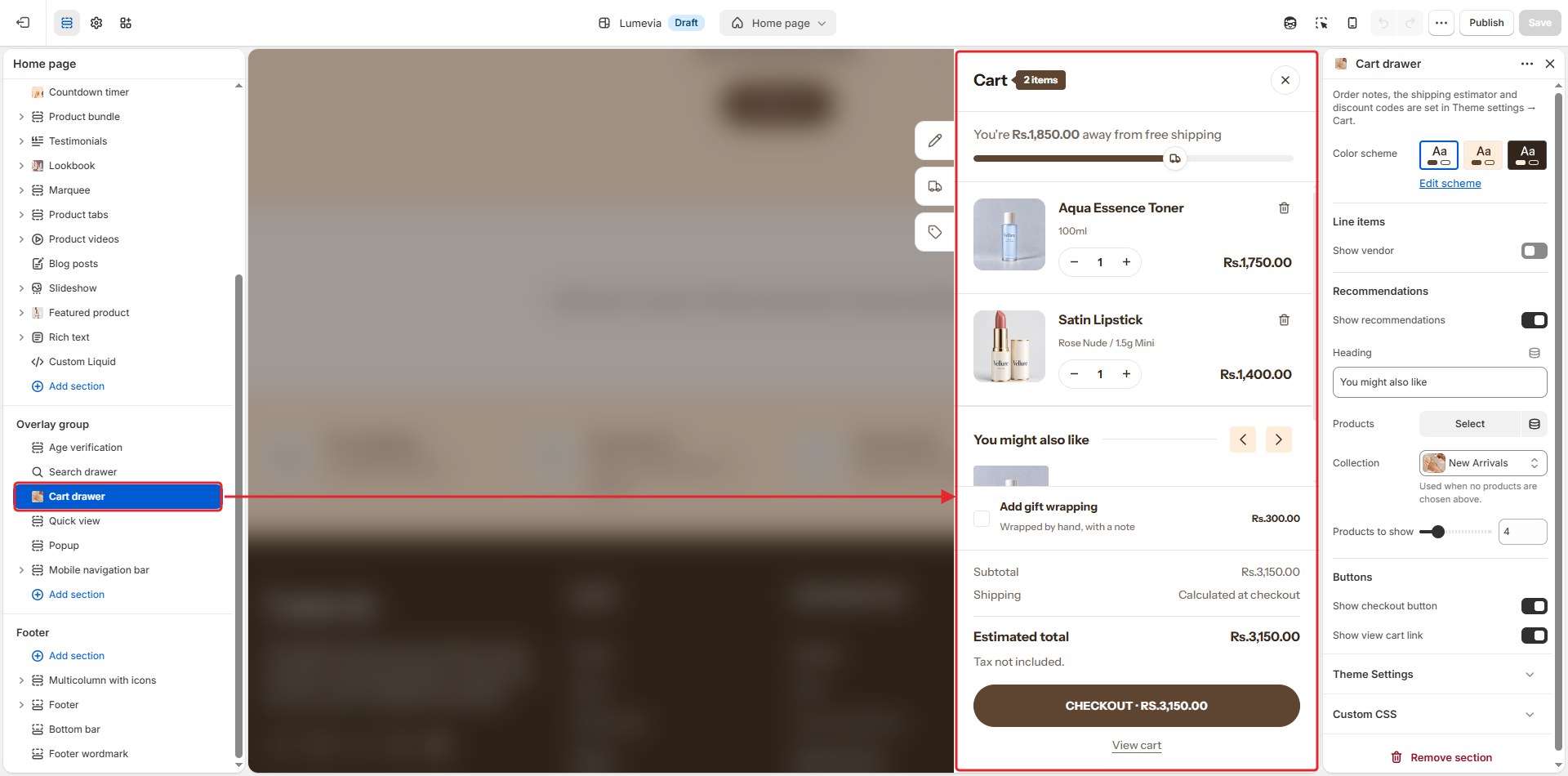
Find it in the editor
The cart drawer is in the Overlay group in the sidebar. Click it to open the drawer in the preview while you edit it.
Section settings
General
| Setting | Description |
|---|---|
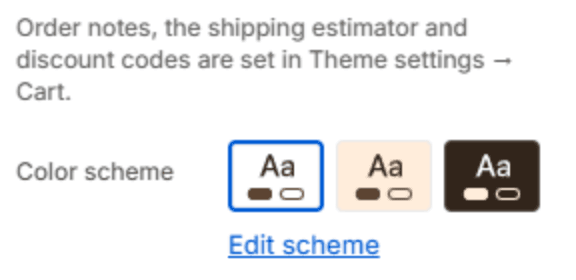
| Color scheme | The colors of the drawer. Schemes are edited in Theme settings → Colors. |
Line items

| Setting | Description |
|---|---|
| Show vendor | Shows each product's vendor above its title. |
Recommendations
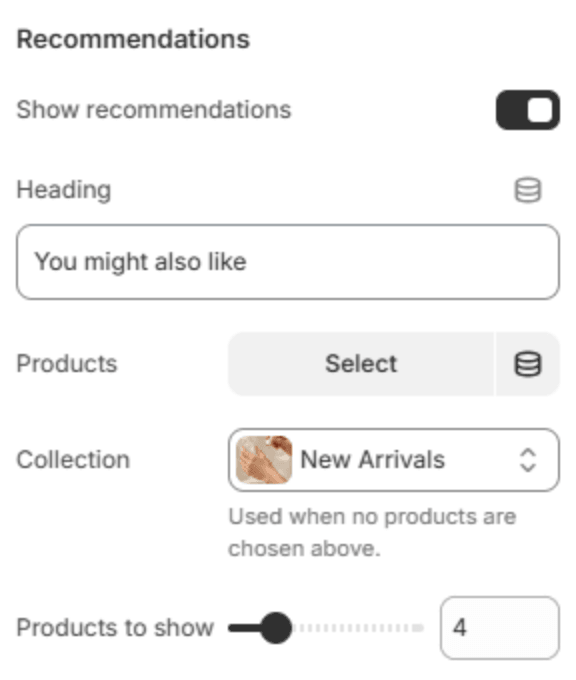
A row of products under the items, so customers can add one more thing. A product that is already in the cart steps out of the row, and comes back if it is removed.
| Setting | Description |
|---|---|
| Show recommendations | Shows the row of products. |
| Heading | The heading above the row, for example You might also like. |
| Products | The products to recommend, chosen by hand. |
| Collection | A collection to recommend from. Used when no products are chosen above. |
| Products to show | How many products the row holds (2–12). |
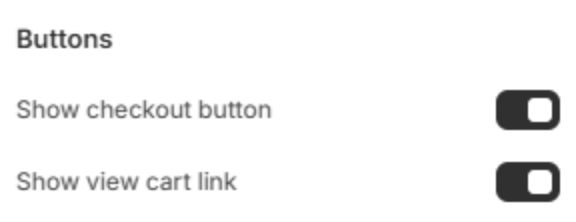
Buttons
| Setting | Description |
|---|---|
| Show checkout button | Shows the checkout button, which goes straight to checkout. |
| Show view cart link | Shows a link to the full cart page. |
Note
On phones and tablets the drawer fills the screen's height. The items, recommendations, gift wrap and totals scroll together, while the cart tools and the checkout button stay at the bottom. The cart tools and the gift message open as panels from the bottom.