Appearance
Pages
Pages are the content you write in the Shopify admin under Content → Pages: your story, your contact details, your FAQ. Lumevia shows each page's title in a Page banner and its content in the Page section, and adds four ready-made templates you can assign to a page:
| Template | What it adds |
|---|---|
| Default page | The page banner and the page's content |
| about | Your story: Images with text, Story chapters and Collection tabs |
| contact | A Contact form and a Map under the page's content |
| faq | An FAQ section in place of the page's content |
| bundle | A Product bundle under the page banner, so a bundle can have its own page and menu link |
To use one, open the page in the Shopify admin and choose it under Theme template. To edit a template, choose it from Pages in the page menu at the top of the editor.
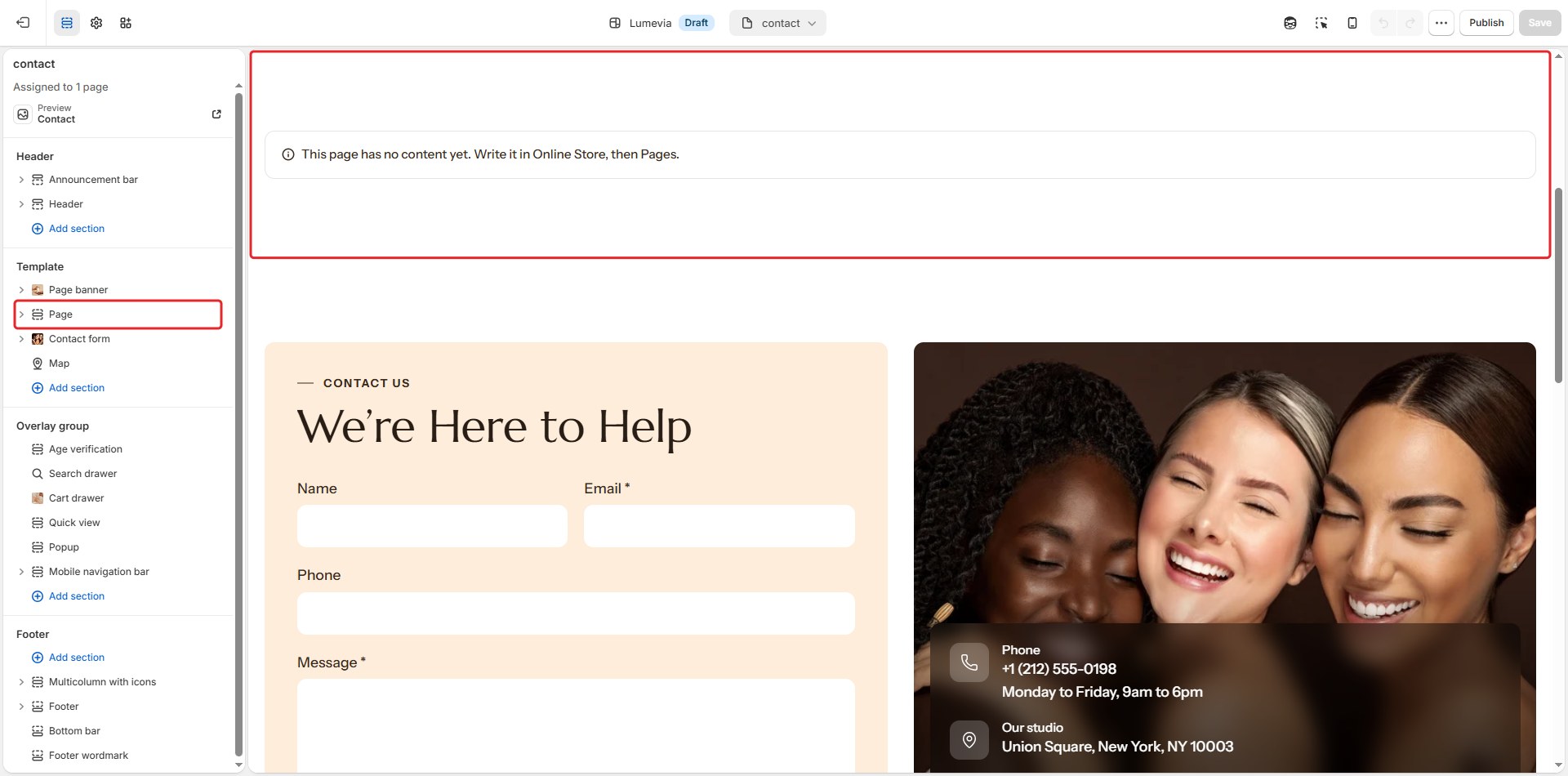
Page
The page's own content, as you wrote it in the admin.
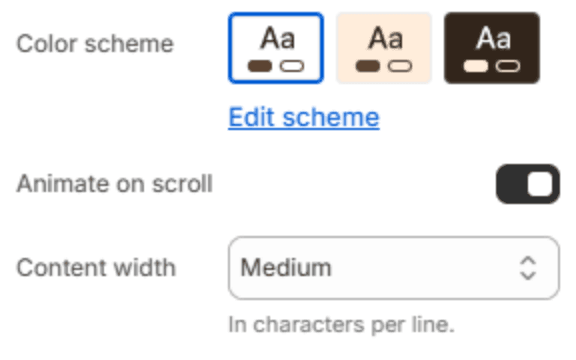
| Setting | Description |
|---|---|
| Color scheme | The colors of this section. Schemes are edited in Theme settings → Colors. |
| Animate on scroll | The content rises into place as it scrolls into view. |
| Content width | How wide the text runs: Narrow, Medium, Wide or Full width. |
Section spacing
| Setting | Description |
|---|---|
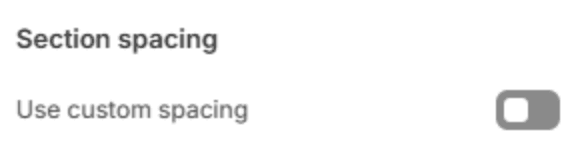
| Use custom spacing | Gives this section its own top and bottom spacing. Off, it uses Section spacing from Theme settings → Layout. |
| Top spacing | Space above the section (0–200px). Phones get 60% of it and tablets 80%. Shown when Use custom spacing is on. |
| Bottom spacing | Space below the section (0–200px). Phones get 60% of it and tablets 80%. Shown when Use custom spacing is on. |
Note
Headings, lists, quotes, images and tables you add in the page editor all take the theme's typography, so a page looks like the rest of the store without any styling.
Store policy pages
Your refund, privacy, terms of service, shipping and contact information policies are written in Settings → Policies and shown by Shopify. Lumevia adds the breadcrumb and spacing of the rest of the store; set how wide their text runs in Theme settings → Layout.