Appearance
Cart page
The cart page lists the items in the cart with their quantities, and a summary with the total and the checkout button. Customers reach it from the cart drawer's View cart link, or straight from the cart icon when Theme settings → Cart → Cart type is Page.

To open it in the editor, choose Cart from the page menu at the top of the editor. A Page banner sits above the Cart section.

Section settings
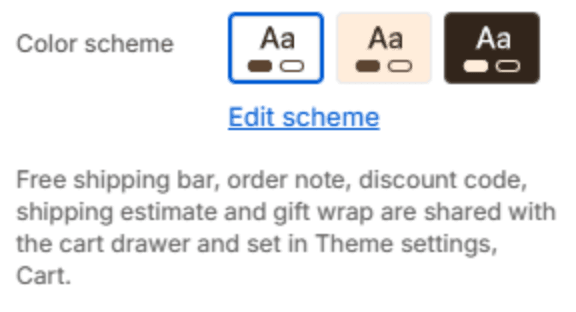
| Setting | Description |
|---|---|
| Color scheme | The colors of this section. Schemes are edited in Theme settings → Colors. |
The free shipping bar, the order note, the discount code field, the shipping estimator and gift wrap are set in Theme settings → Cart.
Section spacing
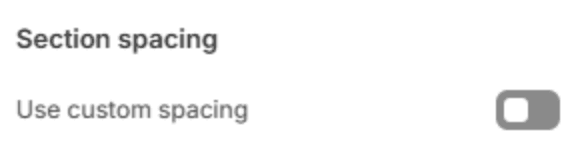
| Setting | Description |
|---|---|
| Use custom spacing | Gives this section its own top and bottom spacing. Off, it uses Section spacing from Theme settings → Layout. |
| Top spacing | Space above the section (0–200px). Phones get 60% of it and tablets 80%. Shown when Use custom spacing is on. |
| Bottom spacing | Space below the section (0–200px). Phones get 60% of it and tablets 80%. Shown when Use custom spacing is on. |
Note
The cart section takes app blocks, for apps that add something to the cart, such as a delivery date picker.