Appearance
Page banner
The page banner opens most pages other than the home page: collections, the collection list, the blog and its articles, search, the cart, the 404 page and your content pages. It shows the page's title with a breadcrumb, over a picture or a color, and fills itself in from the page: a collection's title, description and image appear without any setup.

Find it in the editor
Open any of those pages in the editor; the page banner is the first section in its Template list. Each template has its own banner, so the blog's banner can look different from a collection's. Its parts are blocks: Breadcrumb, Subheading, Heading, Text and Button.

Section settings
General

| Setting | Description |
|---|---|
| Color scheme | The banner's colors, used for anything the color settings further down leave blank. |
Layout

| Setting | Description |
|---|---|
| Full width | Runs the banner from edge to edge instead of within the page width. |
| Transparent header | Lays the header over the banner, transparent, until the page scrolls. Works only with Full width on and when the banner is the first section on the page. |
| Desktop height | Auto fits the content; Small, Medium and Large set a height. |
| Content position | Where the content sits, in a three-by-three grid from Top left to Bottom right. It also sets the text alignment. |
| Space around content | Extra room around the content: None, Small, Medium or Large, on top of the margin the banner always keeps. |
| Content width | How wide the text may run: Narrow, Medium, Wide or Full width. |
Mobile layout

| Setting | Description |
|---|---|
| Mobile image | A separate picture for phones. Leave it blank to use the desktop image. Shown when Show background image is on. |
| Mobile height | Auto, Small, Medium or Large on a phone. |
| Mobile content position | Where the content sits on a phone. |
Background
| Setting | Description |
|---|---|
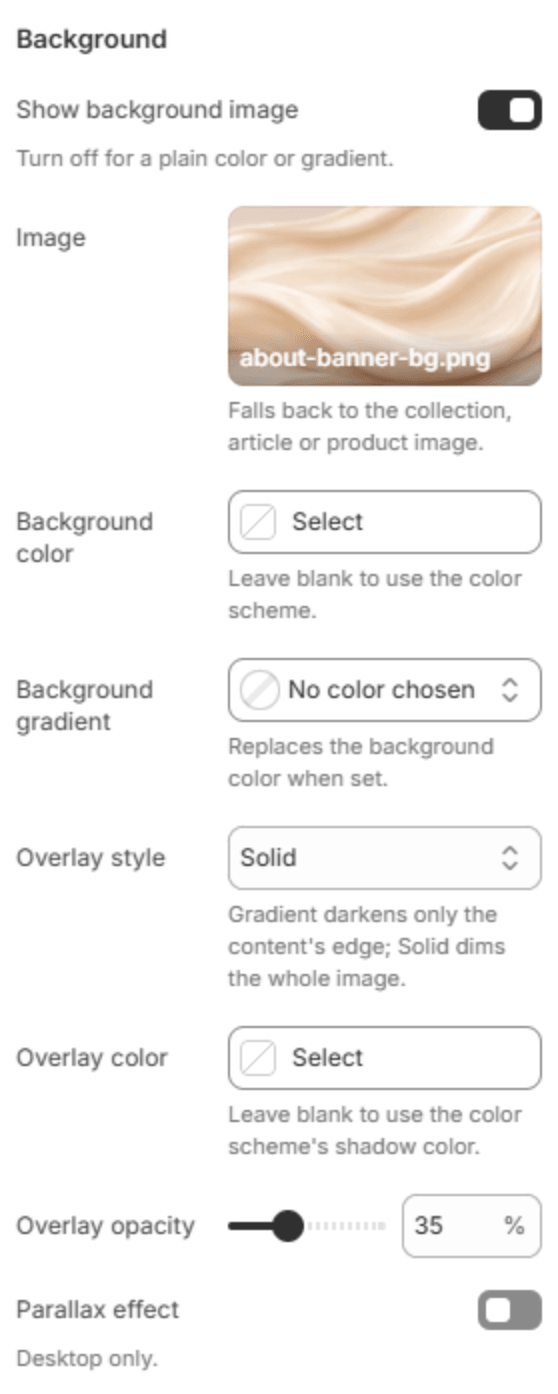
| Show background image | Shows a picture behind the content. Turn it off for a plain color or a gradient. |
| Image | The picture. Leave it empty to use the page's own image: the collection's image, the article's featured image, or the product's. Shown when Show background image is on. |
| Background color | The banner's color behind or instead of the picture. Leave it blank to use the color scheme. |
| Background gradient | A gradient in place of the background color. |
| Overlay style | How the picture is darkened for the text: Gradient darkens only the side the content is on, Solid dims the whole picture, and None leaves it. Shown when Show background image is on. |
| Overlay color | The overlay's color. Leave it blank to use the color scheme's shadow color. |
| Overlay opacity | How dark the overlay is (0–100%). |
| Parallax effect | The picture moves a little slower than the page as it scrolls. Desktop only. Shown when Show background image is on. |
| Parallax direction | Vertical or Horizontal. Shown when Parallax effect is on. |
Colors
| Setting | Description |
|---|---|
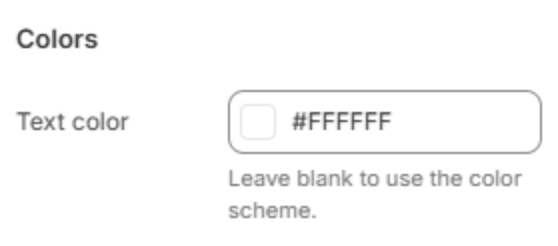
| Text color | The color of the banner's text, white by default so it reads over a picture. Clear it to use the color scheme, which suits a banner without a picture. |
| Header color when over the banner | The color of the header's menu and icons while it is transparent over the banner. Shown when Transparent header is on. |
Section spacing
| Setting | Description |
|---|---|
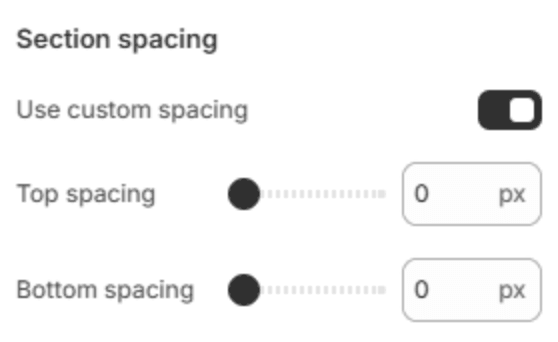
| Use custom spacing | Gives the banner its own top and bottom spacing. Off, it uses Section spacing from Theme settings → Layout. |
| Top spacing | Space above the banner (0–200px). Shown when Use custom spacing is on. |
| Bottom spacing | Space below the banner (0–200px). Shown when Use custom spacing is on. |
Blocks
The banner's content is made of blocks. Add them with Add block under the section in the sidebar, and drag them to change their order. Each block can be added once, except Button, which can be added twice.
Breadcrumb
The trail back to the home page: Home, the blog on an article, then the current page. It builds itself from the page and has no settings. Search engines read it too, to show your page's place in the store.
Subheading

| Setting | Description |
|---|---|
| Subheading | A short line above the heading. |
Heading

| Setting | Description |
|---|---|
| Heading | The banner's heading. Leave it blank to use the page's own title, which is what you want on a template that serves many collections or articles. |
| Size | Small, Medium or Large, compared with the heading size set in Theme settings → Typography. |
Text
| Setting | Description |
|---|---|
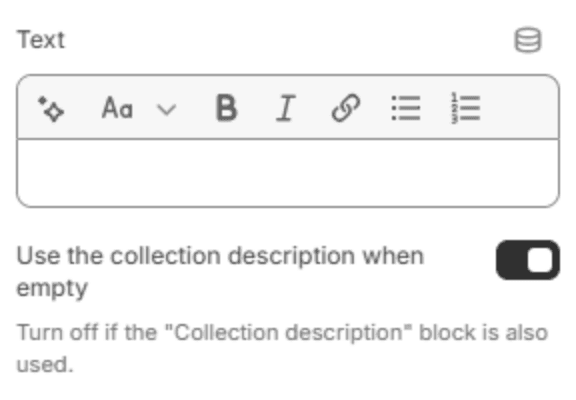
| Text | A short text under the heading. |
| Use the collection description when empty | On a collection page, shows the collection's description when Text is empty. Turn it off if the collection page also shows the description below the banner, so it doesn't appear twice. |
Button

| Setting | Description |
|---|---|
| Label | The button's text. |
| Link | The page it opens. |
| Style | Solid or Outlined. |