Appearance
Feature showcase
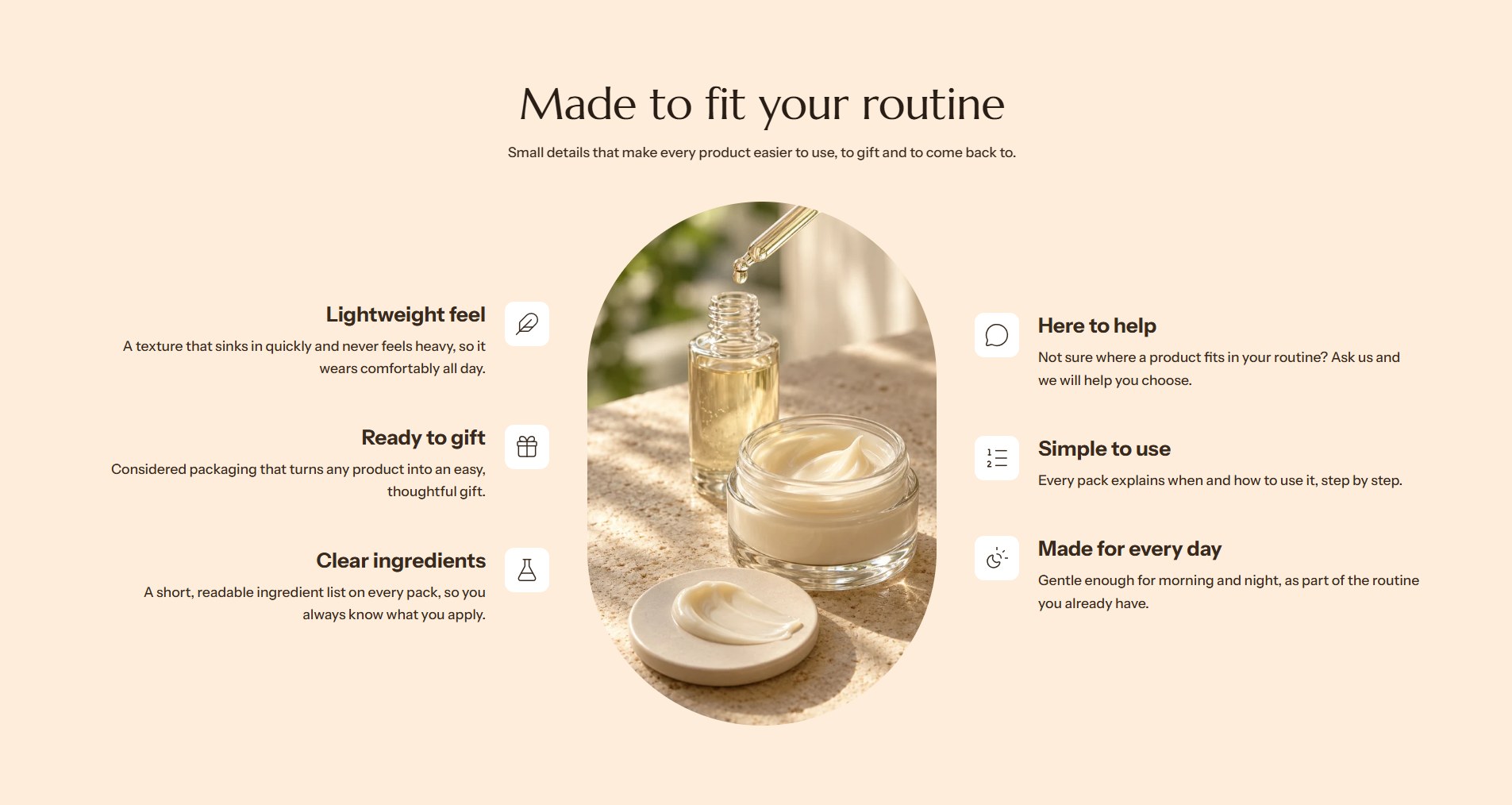
The feature showcase lists what makes a product special, each feature with an icon, a heading and a short text, around a picture or a video. With the picture in the center, the features split into two columns on either side of it. Lumevia uses it on the product page.
Find it in the editor
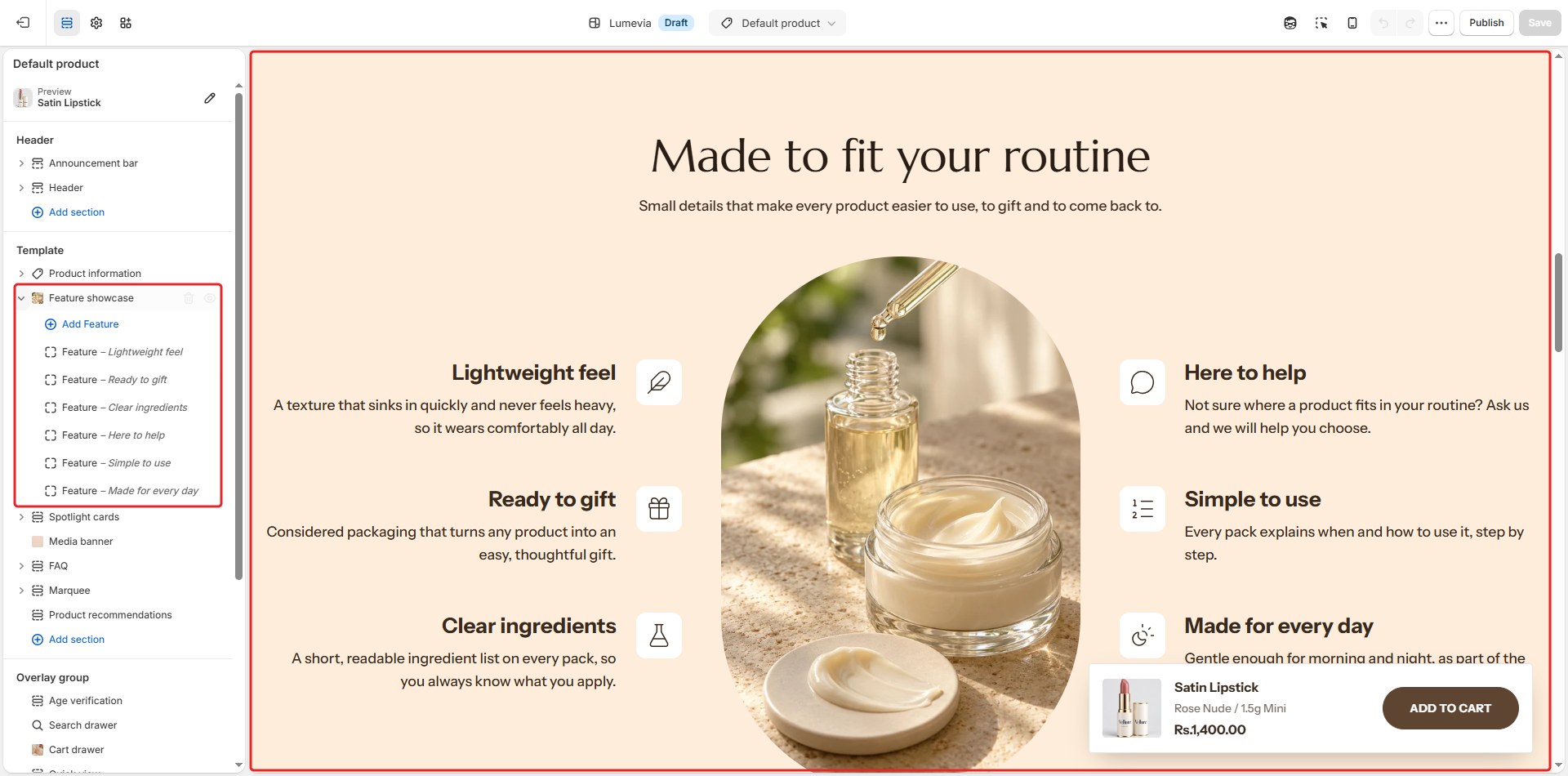
On the product page, it is in the Template list. To add it to any page, click Add section and choose Feature showcase. Each feature is a Feature block inside it.
Section settings
General
| Setting | Description |
|---|---|
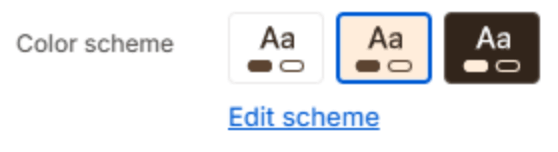
| Color scheme | The colors of this section. Schemes are edited in Theme settings → Colors. |
Section header
| Setting | Description |
|---|---|
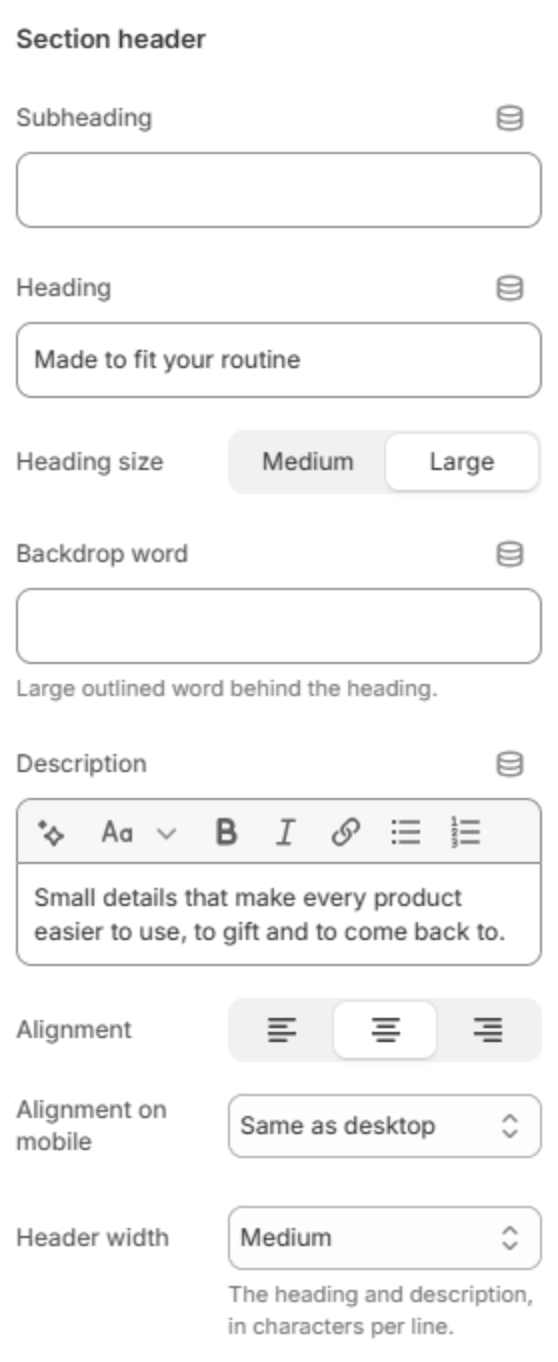
| Subheading | A short line above the heading, with a small dash beside it. |
| Heading | The heading. Leave it empty to hide it. |
| Heading size | Medium or Large. Shown when the heading has text. |
| Backdrop word | A large outlined word behind the heading. One short word works best; it sizes itself to fit. |
| Description | A short text under the heading. |
| Alignment | Aligns the header to the left, center or right. |
| Alignment on mobile | The alignment below 768px. Same as desktop keeps the alignment above. |
| Header width | How wide the heading and description may run: Narrow, Medium, Wide or Full width. |
Image
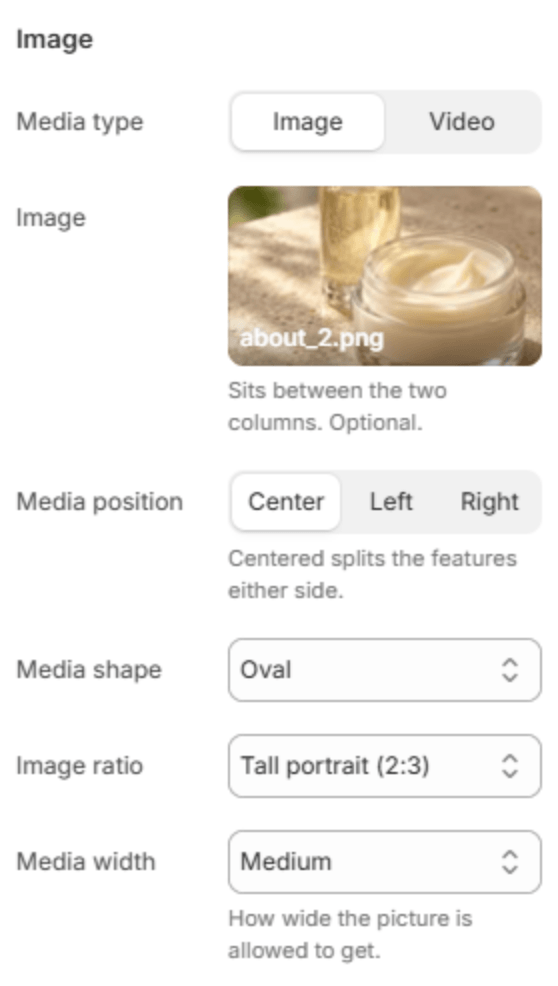
| Setting | Description |
|---|---|
| Media type | An Image or a Video. |
| Image | The picture between the two columns of features. Until you choose one, a placeholder holds its place. Shown when Media type is Image. |
| Video | A video uploaded to Shopify. Its description for screen readers is set on the file itself, in Content → Files. Shown when Media type is Video. |
| Video link | A YouTube or Vimeo link, used when no video is uploaded above. It doesn't play automatically. Shown when Media type is Video. |
| Cover image | A picture shown in place of the video when neither video is set. Shown when Media type is Video. |
| Video alt text | A short description of the video for screen readers and search engines. Shown for a video link. |
| Play automatically | Plays the video on its own, without sound. Off, the video loads only when the customer presses play, which keeps the page lighter. Shown when Media type is Video. |
| Media position | Center splits the features into two columns, one on each side; Left and Right put the picture on one side of them. |
| Media shape | Oval, Arch, Rounded or Circle. |
| Image ratio | Portrait (3:4), Tall portrait (2:3), Soft portrait (4:5) or Square (1:1). Shown unless the shape is a circle. |
| Media width | How wide the picture may get: Small, Medium or Large. |
Icons

| Setting | Description |
|---|---|
| Icon size | Small, Medium or Large. |
| Icon style | Plain draws the icon alone; Outlined circle puts it in a thin circle; Soft square puts it on a soft tinted square. |
Animation
| Setting | Description |
|---|---|
| Animate on scroll | The features rise into place one after another as the section scrolls into view. The timing is set in Theme settings → Animations. |
Button

| Setting | Description |
|---|---|
| Button label | A button under the features. Leave it empty to hide it. |
| Button link | The page it opens. Shown when it has a label. |
| Button style | Solid or Outlined. Shown when it has a label. |
| Alignment | Aligns the button to the left, center or right. Shown when it has a label. |
| Alignment on mobile | The alignment below 768px. Same as desktop keeps the alignment above. Shown when it has a label. |
Section spacing

| Setting | Description |
|---|---|
| Use custom spacing | Gives this section its own top and bottom spacing. Off, it uses Section spacing from Theme settings → Layout. |
| Top spacing | Space above the section (0–200px). Phones get 60% of it and tablets 80%. Shown when Use custom spacing is on. |
| Bottom spacing | Space below the section (0–200px). Phones get 60% of it and tablets 80%. Shown when Use custom spacing is on. |
Blocks
Feature
One feature. Add features with Add Feature under the section in the sidebar. An even number keeps the two columns balanced when the picture is in the center.
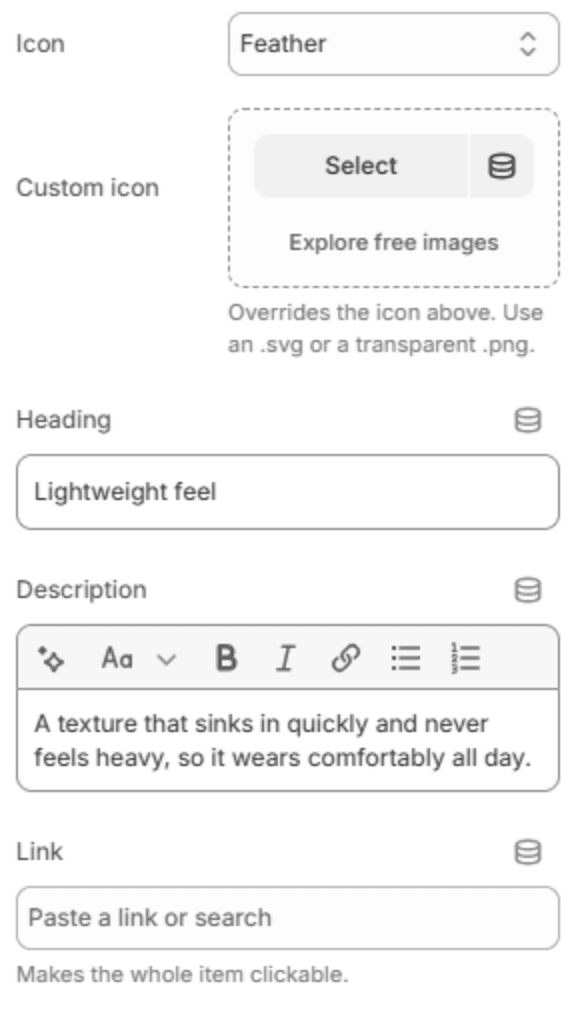
| Setting | Description |
|---|---|
| Icon | The icon, from the theme's icon set. |
| Custom icon | Your own icon in place of the one above. Use an SVG or a transparent PNG. |
| Heading | The feature's heading. |
| Description | A short text about it. |
| Link | Makes the whole feature a link. |